
Sample Screens

#under construction

We have provided some sample screen-snips here to give a flavour of the look ‘n feel of CCA.

1. New-user Help
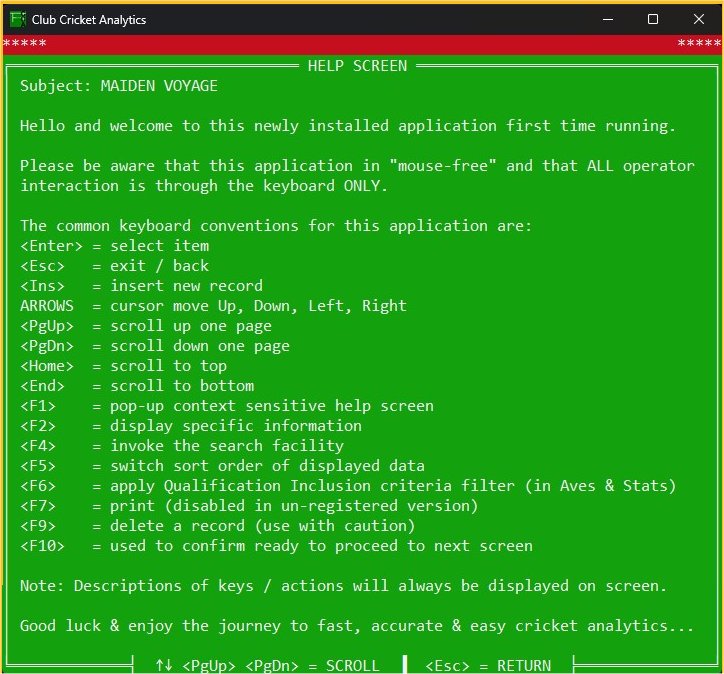
cca opening help screen
On first install only, CCA users will be presented with this Maiden Voyage opening help screen that explains some of the fundamentals for CCA operation.

2. Menus

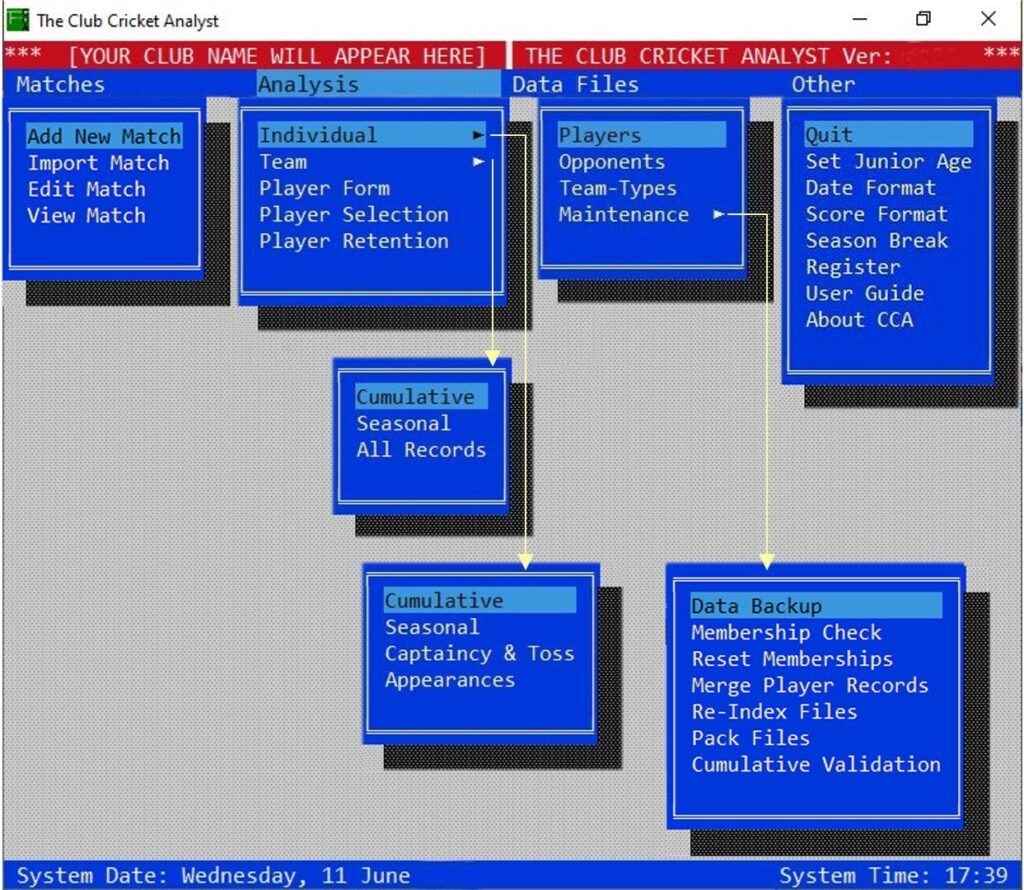
cca 0 0 menu all v2
This picture shows the entire CCA menu options all in one go. Everything in CCA is accessed via this Main Menu system.

The four Main Menu section headers are:

  • Matches
  • Analysis
  • Data Files
  • Other

3. Matches

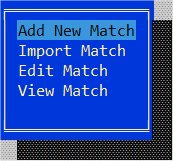
cca 1 0 menu matches
All Match-Data is accessed via this menu.

4. Analysis

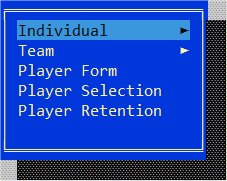
cca 2 0 menu analysis
All Average and Statistics reports are created via this Analysis menu.

5. Data Files

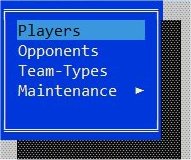
cca 3 0 menu data files
All Data File management sits within this menu structure.

6. Other

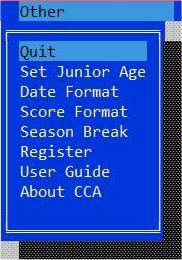
cca 4 0 menu other (shareware)
All other CCA functions are access through this menu.